
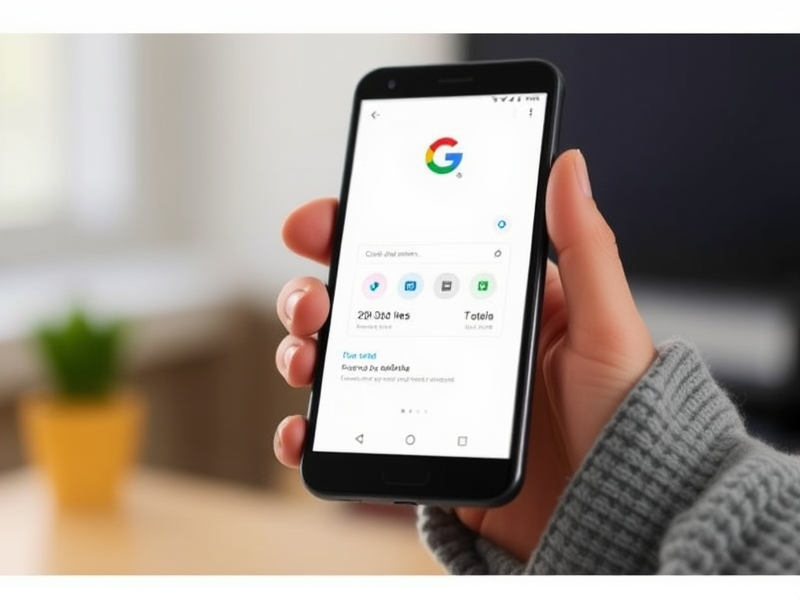
Google Pay has introduced new functionalities to enhance the payment experience for online shoppers, making transactions more straightforward and flexible.
Easier Card Benefit Visibility
US buyers with American Express and Capital One cards can now view their reward details in autofill on Chrome. This feature helps users determine which card offers the best benefits based on their specific needs and preferences for online purchases. Google Pay plans to extend this capability to more credit cards, benefiting those who own multiple cards with different perks.
Broader Support for BNPL Solutions
In addition, popular buy now, pay later (BNPL) options such as Affirm and Zip are now available on more websites and Android apps across the US through Google Pay’s autofill feature. Users can easily choose to split payments into installments directly from Chrome with just a few clicks. Klarna and other payment methods will be integrated in the near future, providing even greater flexibility.
Enhanced Autofill for Checkouts
Autofill on Google Pay and Android is designed to streamline the checkout process by automatically filling in shipping, billing, and payment information. To enhance security, card verification processes have been updated to request a fingerprint or face scan rather than a manual entry of a security code. Autofill typically completes forms without requiring any additional input, though users may be prompted for extra details if there is suspicious activity detected.
Improved Cross-Border Money Transfers
Google Pay is also testing new features to simplify cross-border money transfers by providing easy access to fee and exchange rate information through Wallet online and Google Search. This will enable users to explore remittance providers like Ria Money Transfer, Xe, and Wise, and send funds directly from their Chrome browser or search results.